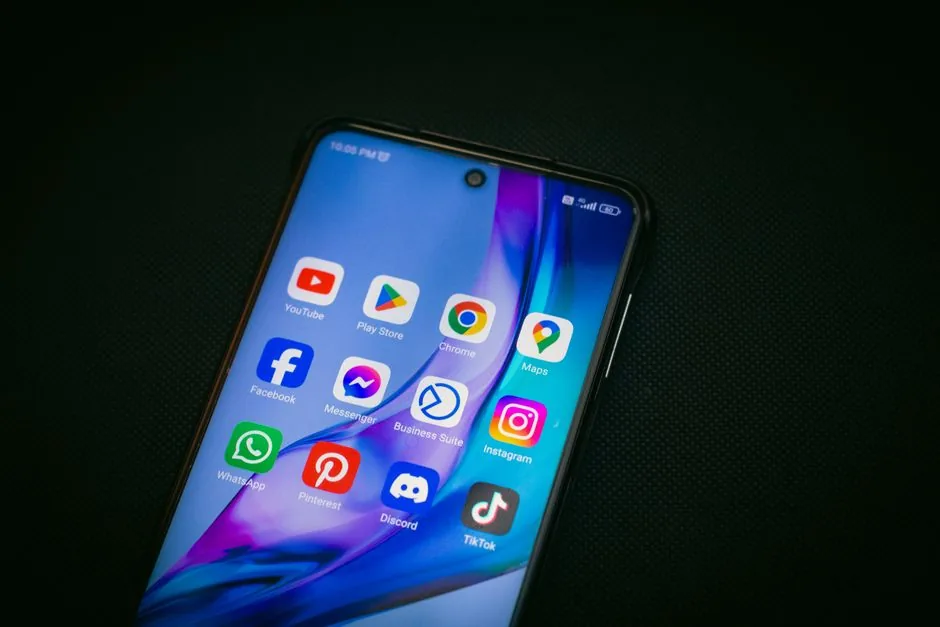

How to Download YouTube Video on Android: A Comprehensive Comparison
In a world filled with digital content, how do you choose the best method to download YouTube videos on Android? With numerous options available, each claiming to be the best, making a decision can be overwhelming.
Understanding YouTube Video Downloads
What Does Downloading Entail?
Downloading a YouTube video on an Android device allows users to access content offline. This feature is crucial for those with limited data plans or inconsistent internet connections. Several tools and apps facilitate this process, each with its own unique features and capabilities.
Legal Considerations
Before diving into the methods, it’s essential to understand the legal implications of downloading YouTube videos. While YouTube’s terms of service prohibit unauthorized downloads, many users still seek ways to save videos for personal use. Always ensure you are not infringing on copyright laws.
Advantages of Downloading YouTube Videos on Android
Offline Access
The primary advantage of downloading YouTube videos is the ability to watch them offline. This means you can enjoy your favorite content during travel, at places with poor connectivity, or simply to save on data usage.
Control Over Content
Downloading videos gives users more control over their content consumption. You can create your own library of videos, organize them as you like, and revisit them without having to search through YouTube each time.
Honest Drawbacks of Downloading Videos
Quality Issues
One significant drawback of downloading YouTube videos is potential quality loss. Many downloaders compress videos to save space, resulting in lower resolution than the original. This can be disappointing, especially for high-definition content.
Malware Risks
Another concern is the risk of malware. Some third-party apps that claim to enable YouTube video downloads may contain harmful software. It is crucial to choose reputable apps and check user reviews before downloading.
Available Alternatives for Downloading YouTube Videos
Official YouTube Premium
YouTube offers a premium subscription that allows users to download videos legally. This is the safest option, ensuring high quality and no legal repercussions. However, it comes with a monthly fee.
Third-Party Apps
Numerous third-party apps are available for downloading YouTube videos. Apps like TubeMate, VidMate, and Snaptube are popular choices among Android users. Each offers different features, such as batch downloading, format selection, and more. However, users should exercise caution and read reviews before downloading these apps.
Final Verdict: What Should You Choose?
In conclusion, while the prospect of downloading YouTube videos on Android is appealing, it is essential to weigh the pros and cons carefully. If you are looking for the safest and most reliable method, YouTube Premium is undoubtedly the best choice, providing peace of mind and high-quality downloads. However, if you prefer free alternatives, ensure you choose reputable third-party apps to minimize risks. Ultimately, your choice should align with your needs and comfort level regarding legal and security issues.
Laisser un commentaire